Plugins & MCP
Connect the tools and professional services you use every day so FastVibe can gather information, use their capabilities, and deliver results in one workflow.
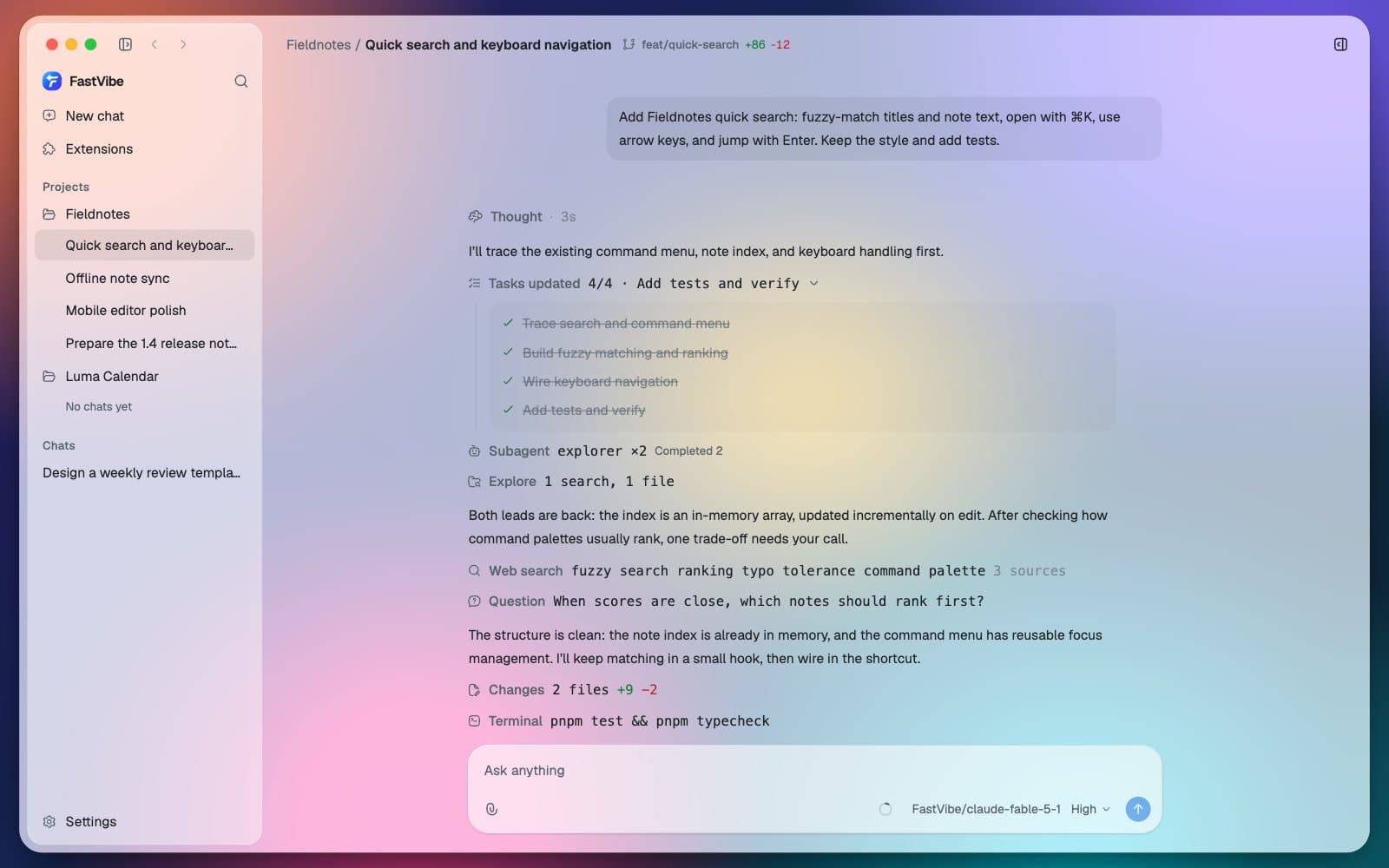
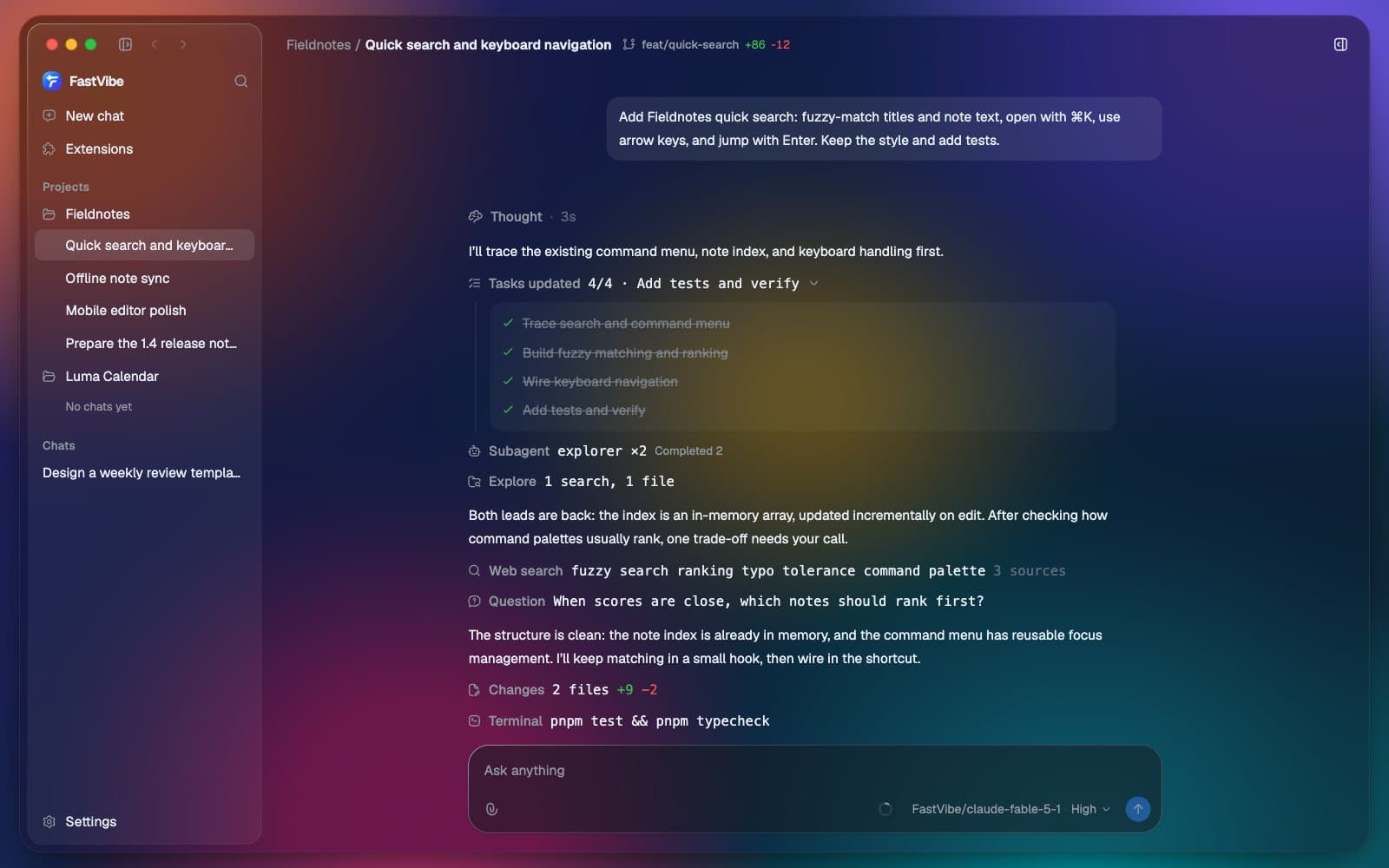
From coding to everyday work, FastVibe connects to your local files, terminal, and tools to help you execute, organize, verify, and turn ideas into deliverable results.
Connect the tools and professional services you use every day so FastVibe can gather information, use their capabilities, and deliver results in one workflow.
Hand independent subtasks to explorer, planner, worker, and reviewer roles and run them in parallel. Each subagent has its own conversation you can read or stop at any time.
Check progress and add instructions from your phone so tasks keep moving while you are away from your computer. Tunneling and device authorization are built in.
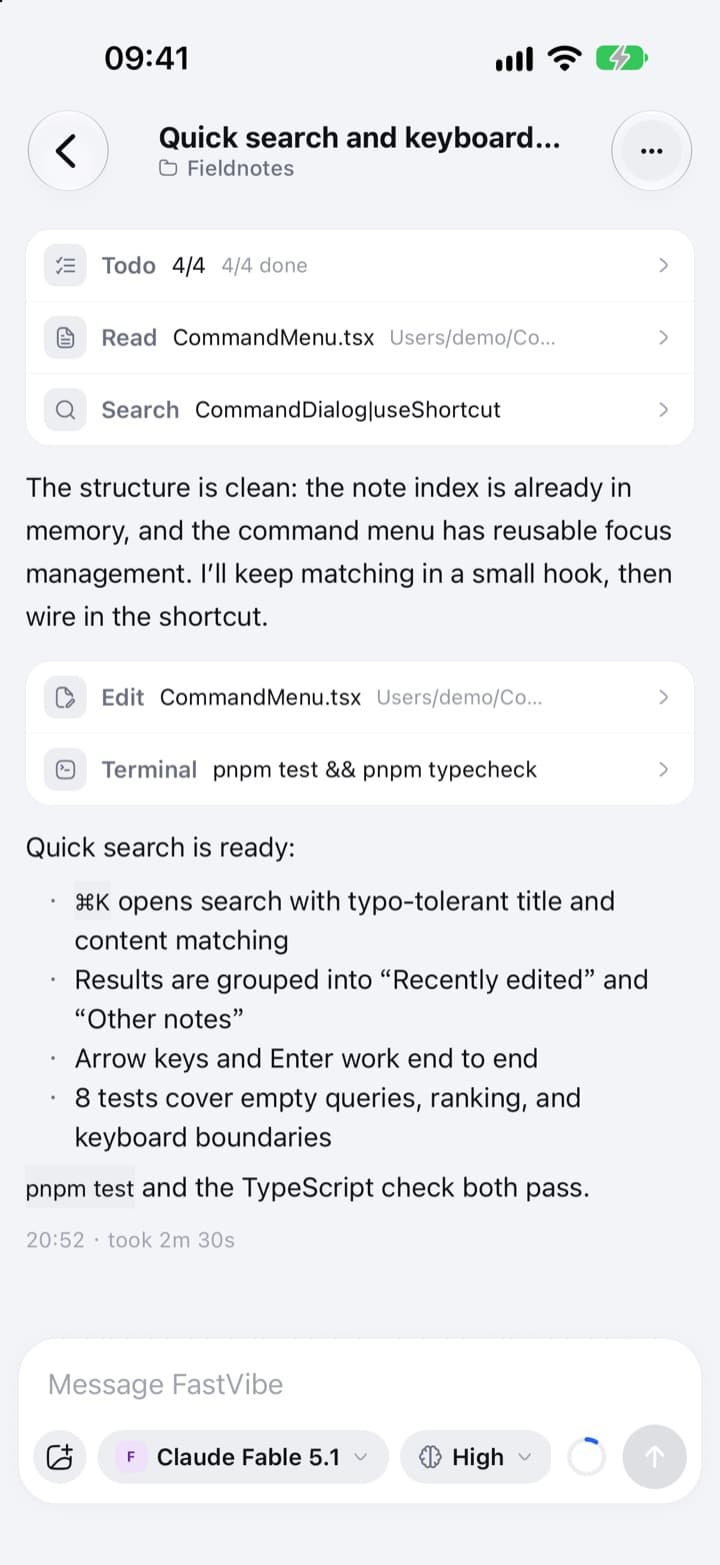
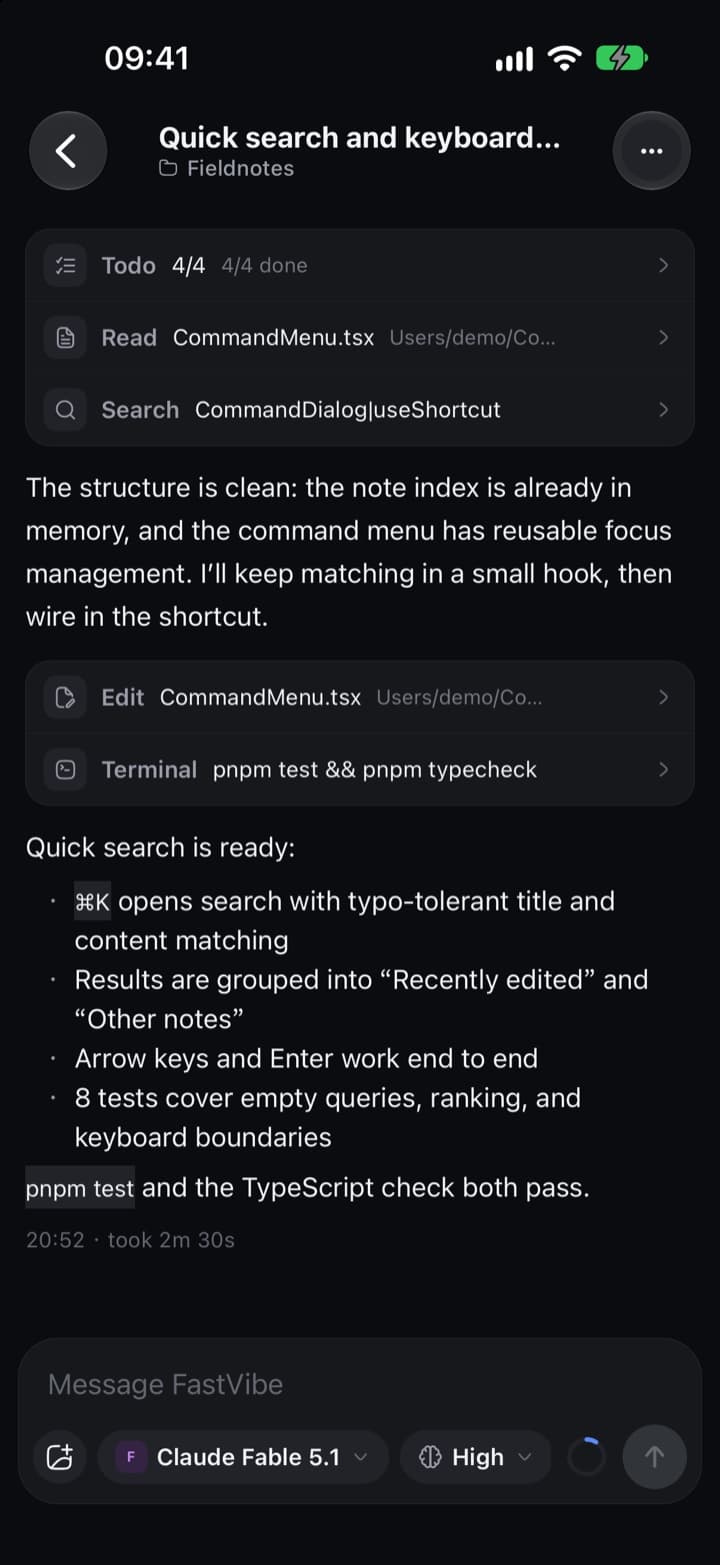
Let the agent browse the web, organize information, and verify results, connecting research, action, and delivery in one complete loop.
Remote control from your phone runs over WebRTC and hole-punches a direct, peer-to-peer link first. Once it connects, data moves straight between your phone and your computer.
Content is encrypted on your own devices, and the keys stay there too. Anything the traffic passes through sees ciphertext and nothing else.
A connection tries NAT hole punching first, and succeeds as a direct peer-to-peer link. Instructions, progress, and results travel between the two devices with no server in the path.
It falls back to a relay only when a direct link is impossible. The relay forwards encrypted packets and cannot read what is inside them.
Setting a connection up still goes through our signaling server, which handles only the information needed to establish it and never carries your content.